Instant download
Business Planner 2027
Plan 2027 the way an astrologer would.
$22AUD
Start now, not in January. Bonus until 31 December: a rest of 2026 wall planner and calendar file, so you can plan the last months of this year too. Late October has three planets retrograde at once.
- Instant download
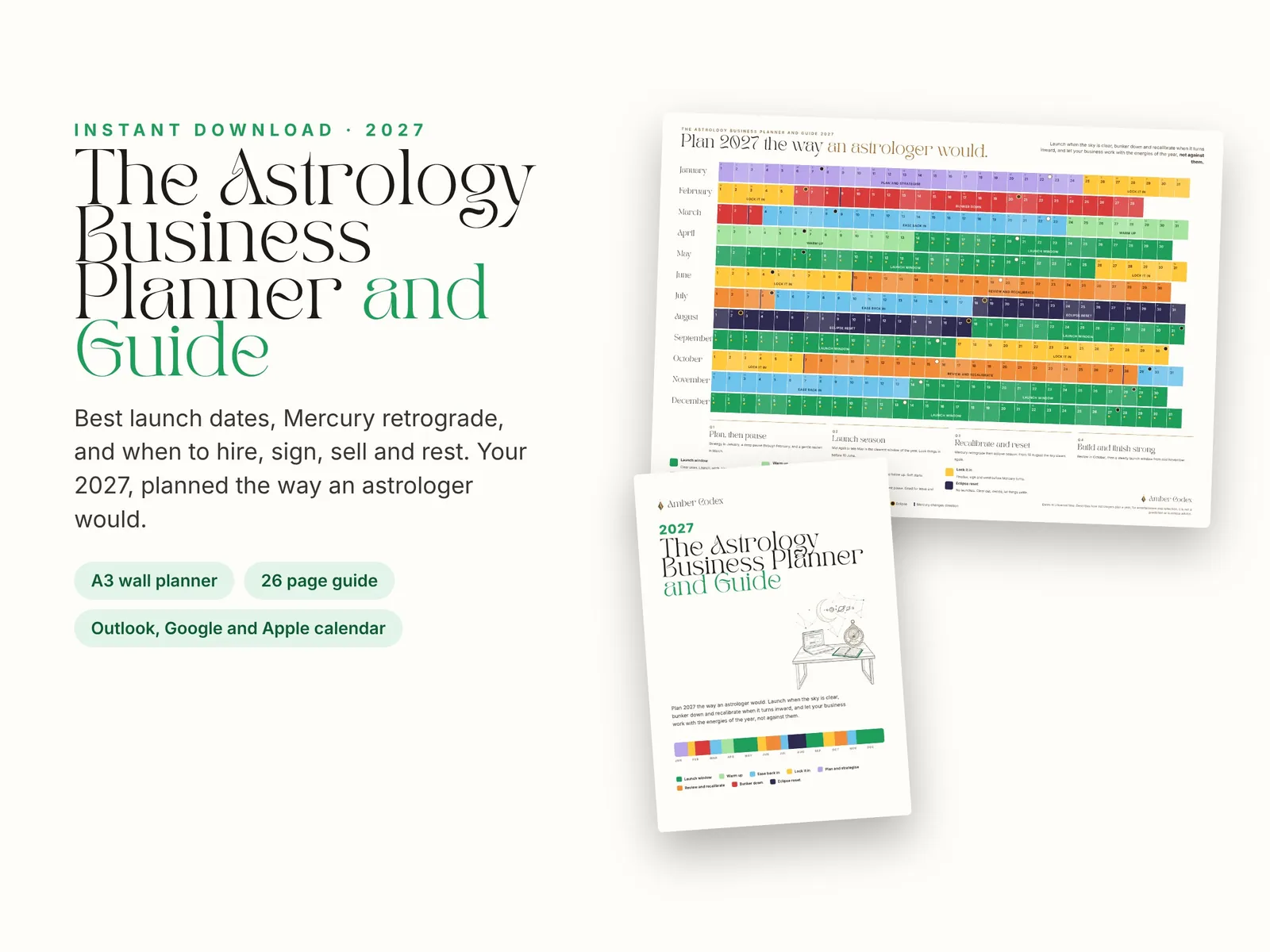
- A3 wall planner (prints at A4)
- 26 page guide
- Outlook, Google and Apple calendar file
What people say
An astrology planner made for business owners. Instead of a list of transits, it shows what each stretch of 2027 is good for: when to launch, sign, hire, change prices, take leave, review and rest, with the astrology explained in plain language.
For small business owners, founders, coaches, creatives and teams who want to plan launches, campaigns and big decisions around the rhythm of the year. A thoughtful gift for a business owner who loves astrology.
What’s inside
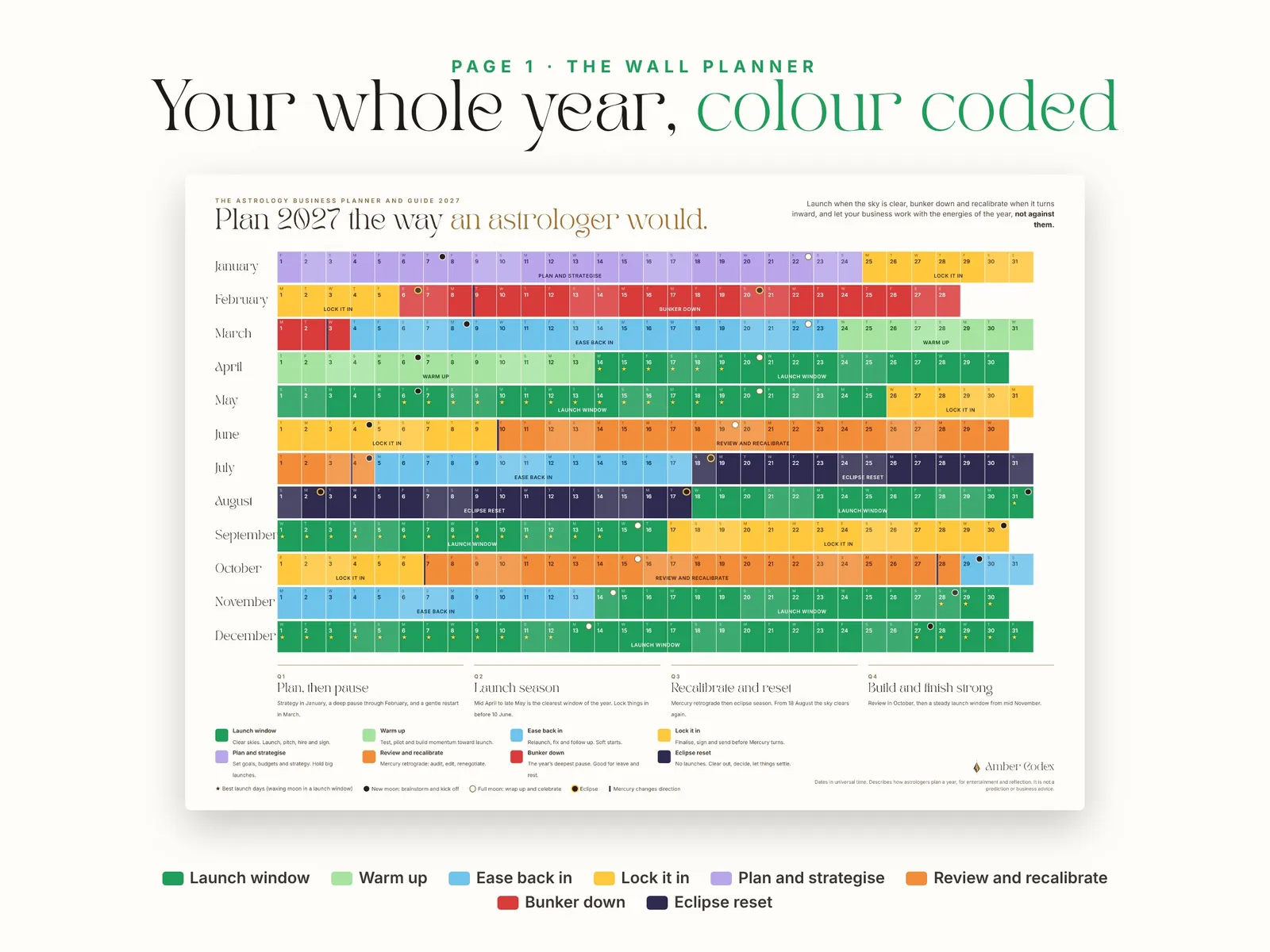
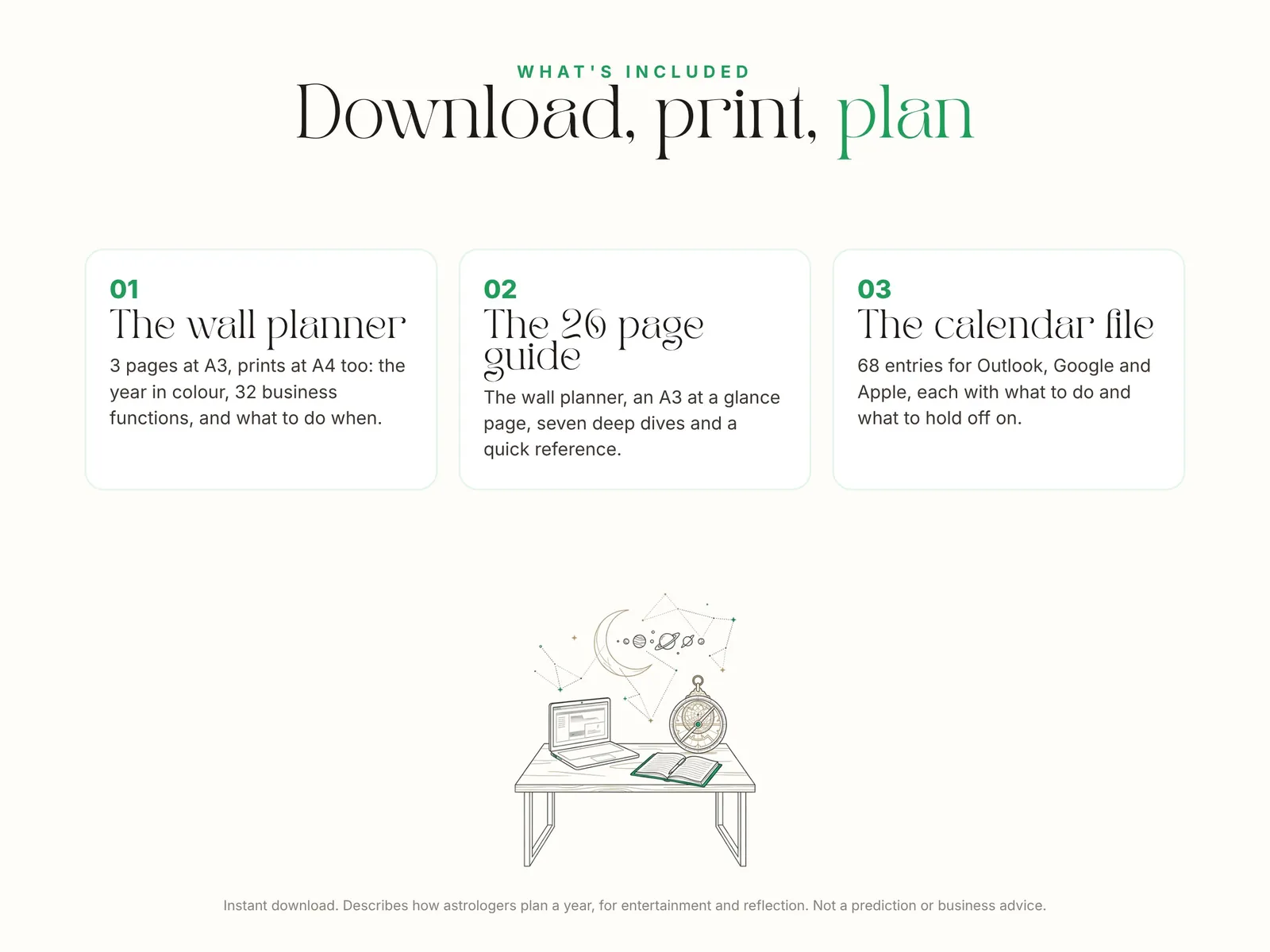
- The wall planner, page 1: the whole year in colour, with every launch window, Mercury retrograde and eclipse season, and the best launch days starred
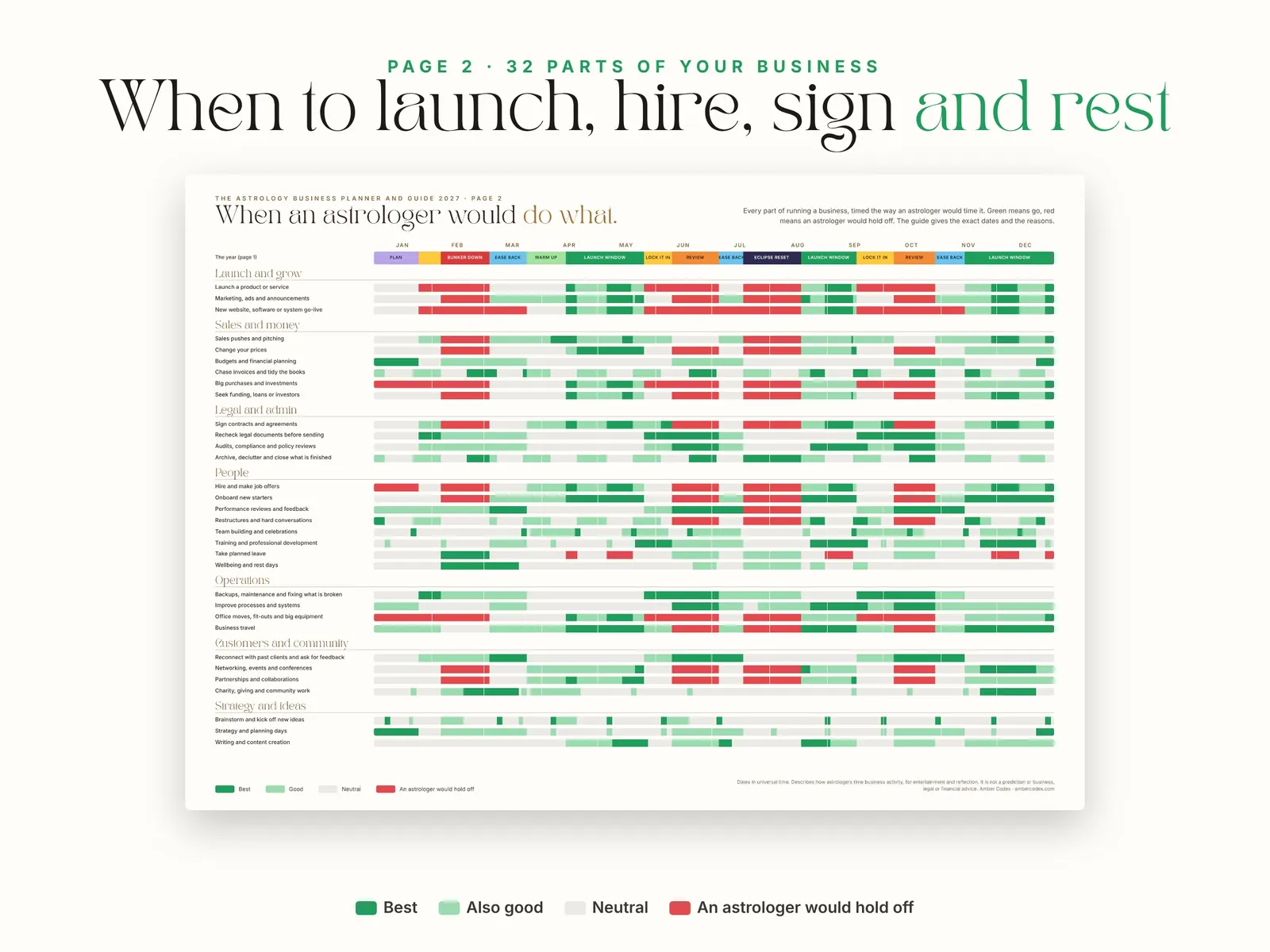
- Page 2: 32 parts of running a business across the year, from launches and pricing to hiring, contracts, celebrations and leave
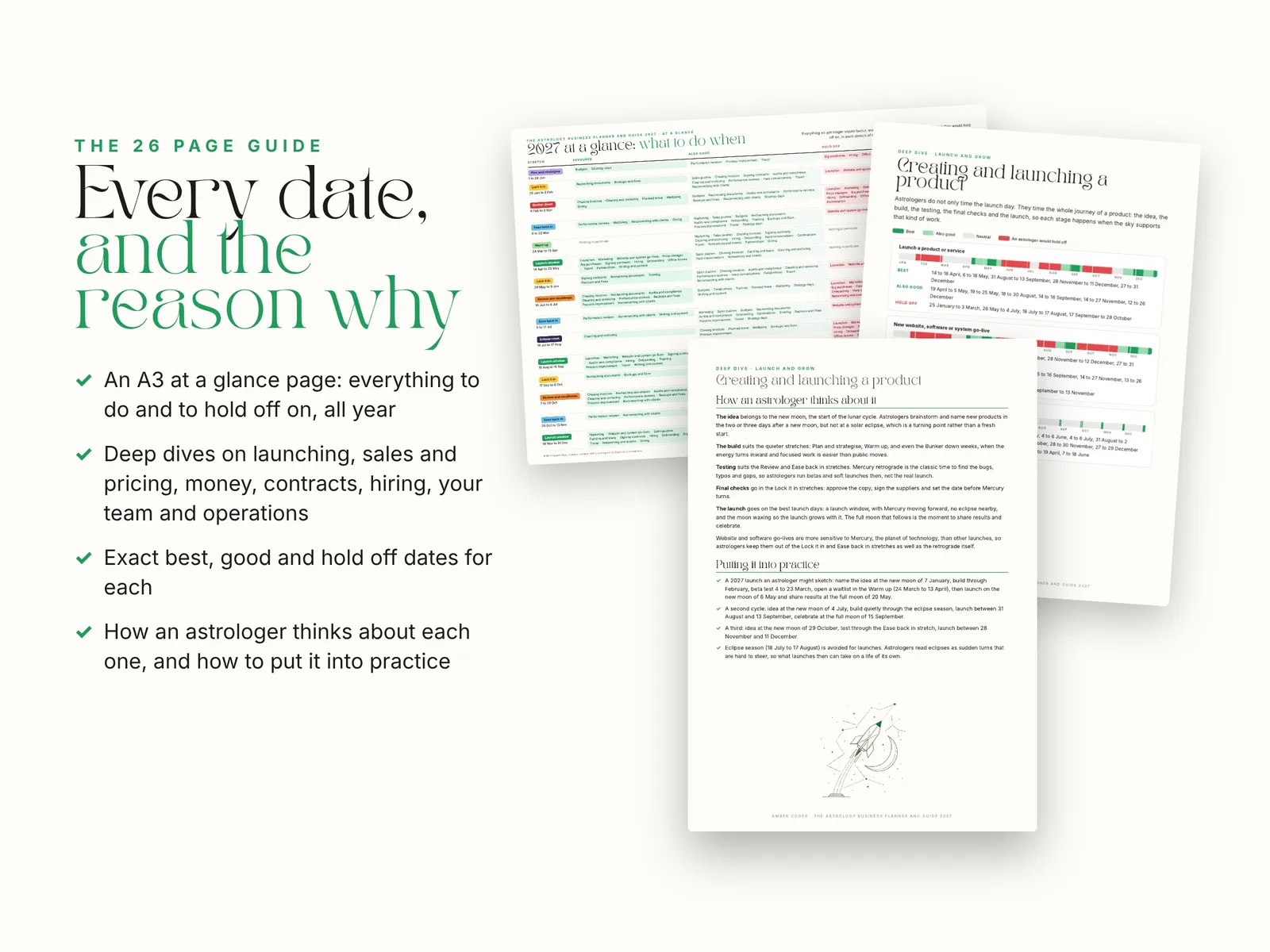
- Page 3: 2027 at a glance, with what an astrologer would favour and hold off on in each stretch
- The 26 page guide: seven deep dives (launching, marketing and pricing, money, contracts, hiring, your team, tech and operations)
- The exact best, good and hold off dates for each, and how to put them into practice
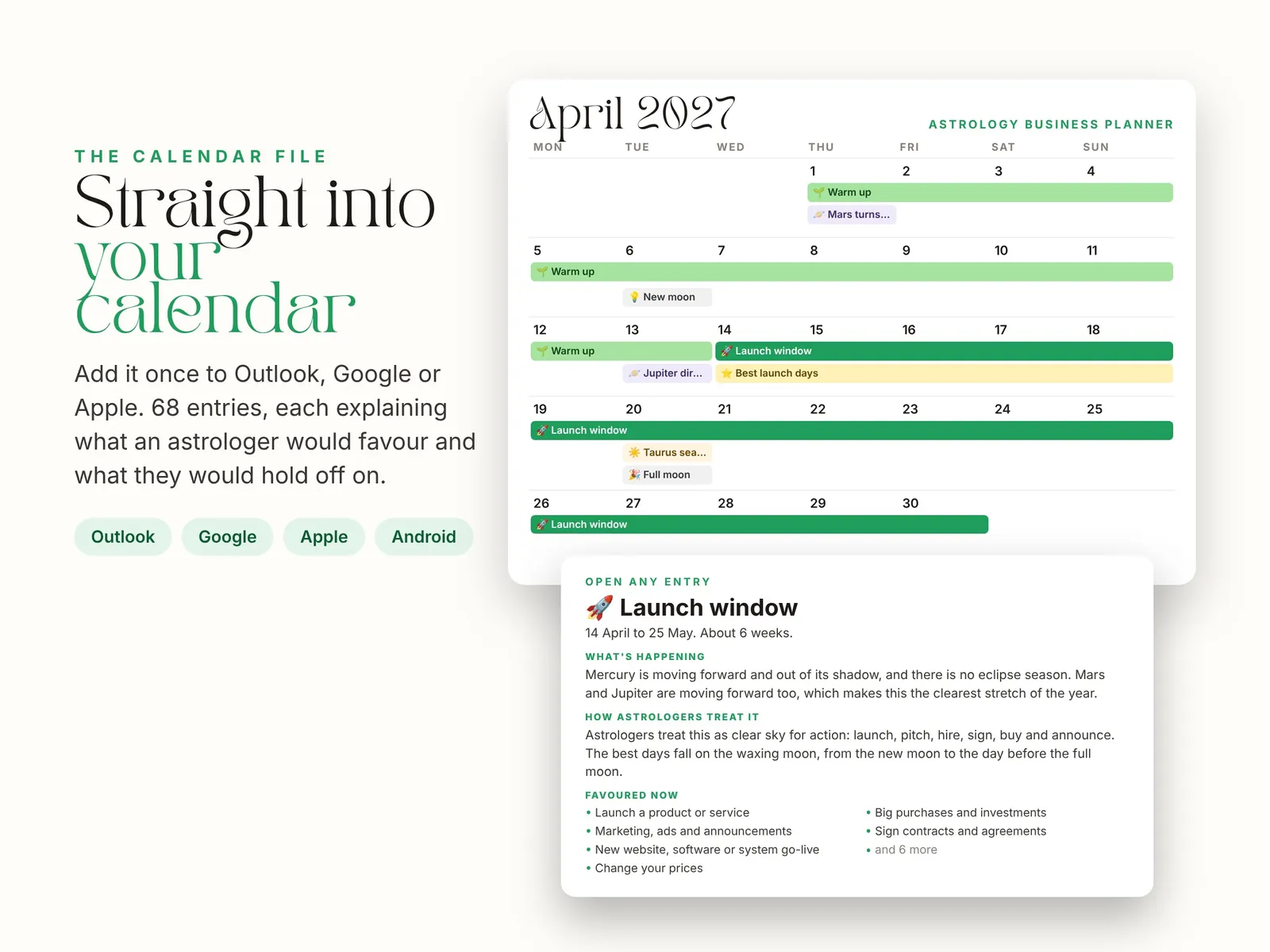
- The calendar file: 68 entries for Outlook, Google and Apple, each with what is favoured and what to hold off on
How it works
- 1
Pay securely
Add it to your order and check out with Stripe. Your card details never reach us.
- 2
Download straight away
Your files appear on screen as soon as you have paid, and the links are emailed to you too.
- 3
Plan your year
Print the wall planner, open the guide on any device, and add the calendar file (the steps are in the guide).
Good to know
How do I add the dates to my digital calendar?
Your download includes a calendar file with all 68 entries, and it works with Apple, Google and Outlook calendars. Tip: make a new calendar called Business Planner first, so you can show or hide every date in one tap.
iPhone or iPad: open the file from your email or the Files app, tap Add All, then choose your calendar.
Mac: double click the file and choose a calendar in the Calendar app.
Google Calendar: on a computer, open Google Calendar, click the gear icon, then Settings, then Import and export. Choose the file, pick your calendar and click Import.
Outlook: in Calendar, choose Add calendar, then Upload from file, and pick the file. In Outlook on Windows you can also just double click it.
Once it is in Google or Outlook on a computer, the dates show on your phone too. The guide has the same steps.
Is this business advice?
No. It describes how astrologers plan a year, for entertainment and reflection. It is not a prediction, and it is not business, legal or financial advice.
Can my team use it?
Yes, within your own business. Please don't resell or share the files outside it.
Refunds
This product is for entertainment purposes and simply gives you the lens of an astrologer. If any part of it is faulty or wrong, contact us and we'll make it right. See the refund and delivery policy.
Goes well with